 AI Bridge AI Bridge
You're already signed in to ChatGPT. You already pay for it. AI Bridge attaches to that tab and drives it from VS Code — no API key, no second subscription, no new bill.


A local bridge, your browser, your session. Nothing is proxied through anyone's server.
Nothing to paste, nothing to leak, nothing to bill. The extension drives the page you're signed in to.
The plan you already pay for, and the model you already picked — read straight from the page.
Every change arrives as a proposal. Untick a hunk, accept the rest, one undo takes it all back.
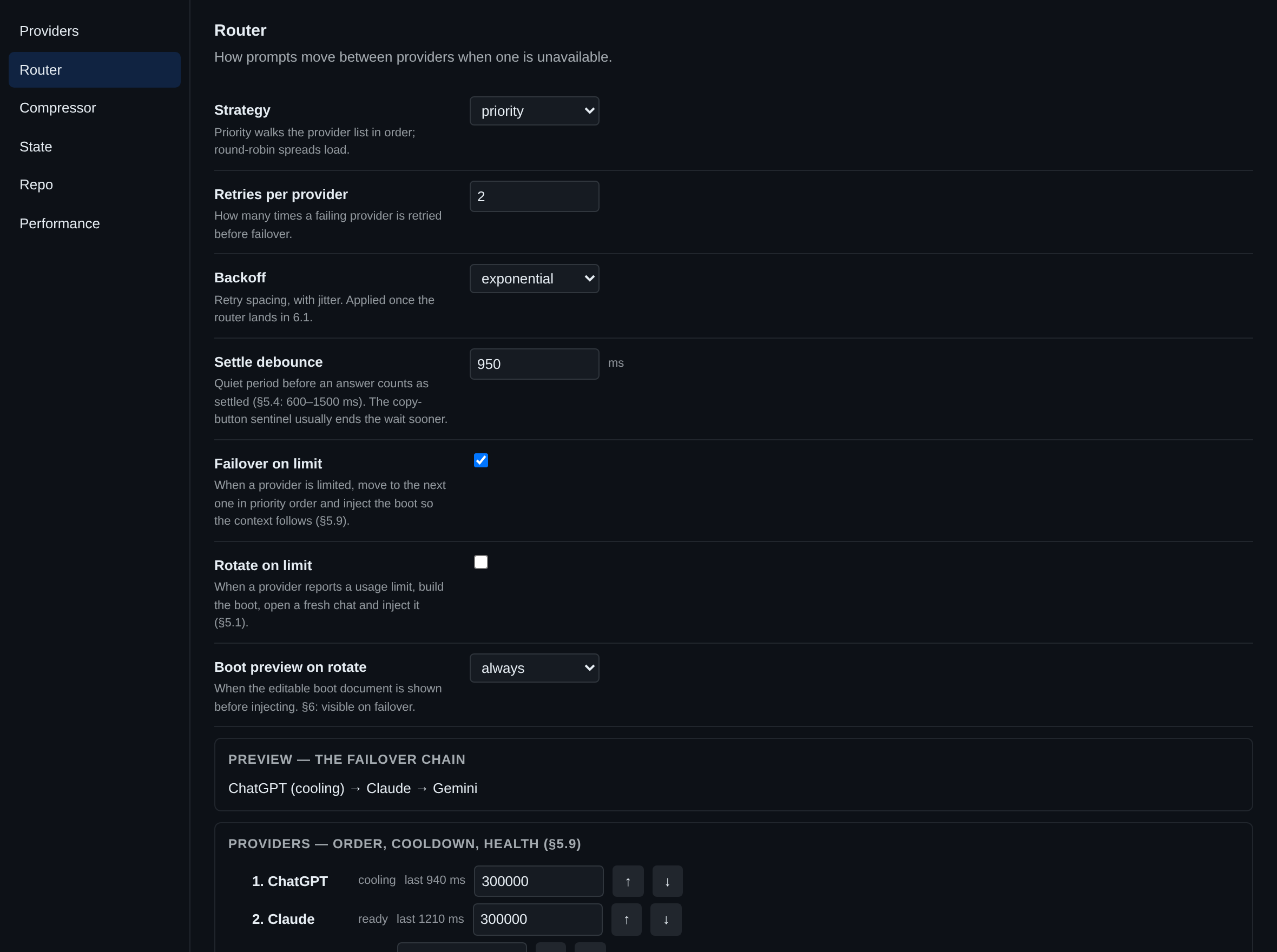
When ChatGPT says you've hit your cap, the context walks to Claude or Gemini by itself — boot prompt first, then only what changed. A badge on the reply tells you it switched.
Measured, not claimed. And the bigger lever: context is only attached when your question names a file, a symbol or a code term — a bundle costs 500–900 tokens.
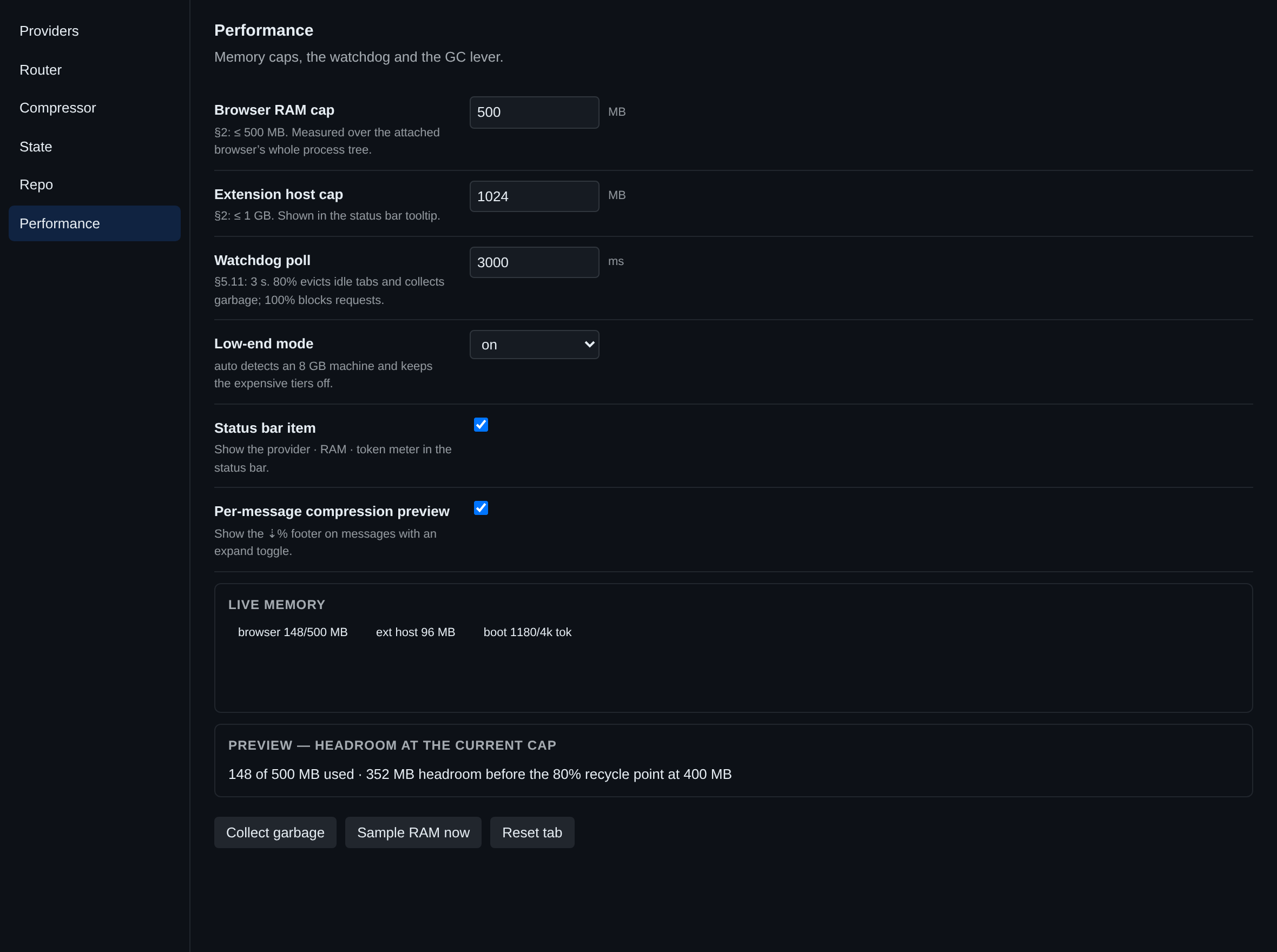
A 3-second watchdog evicts and collects at 80%, blocks at 100%. Low-end mode halves the boot and closes the local compressor.
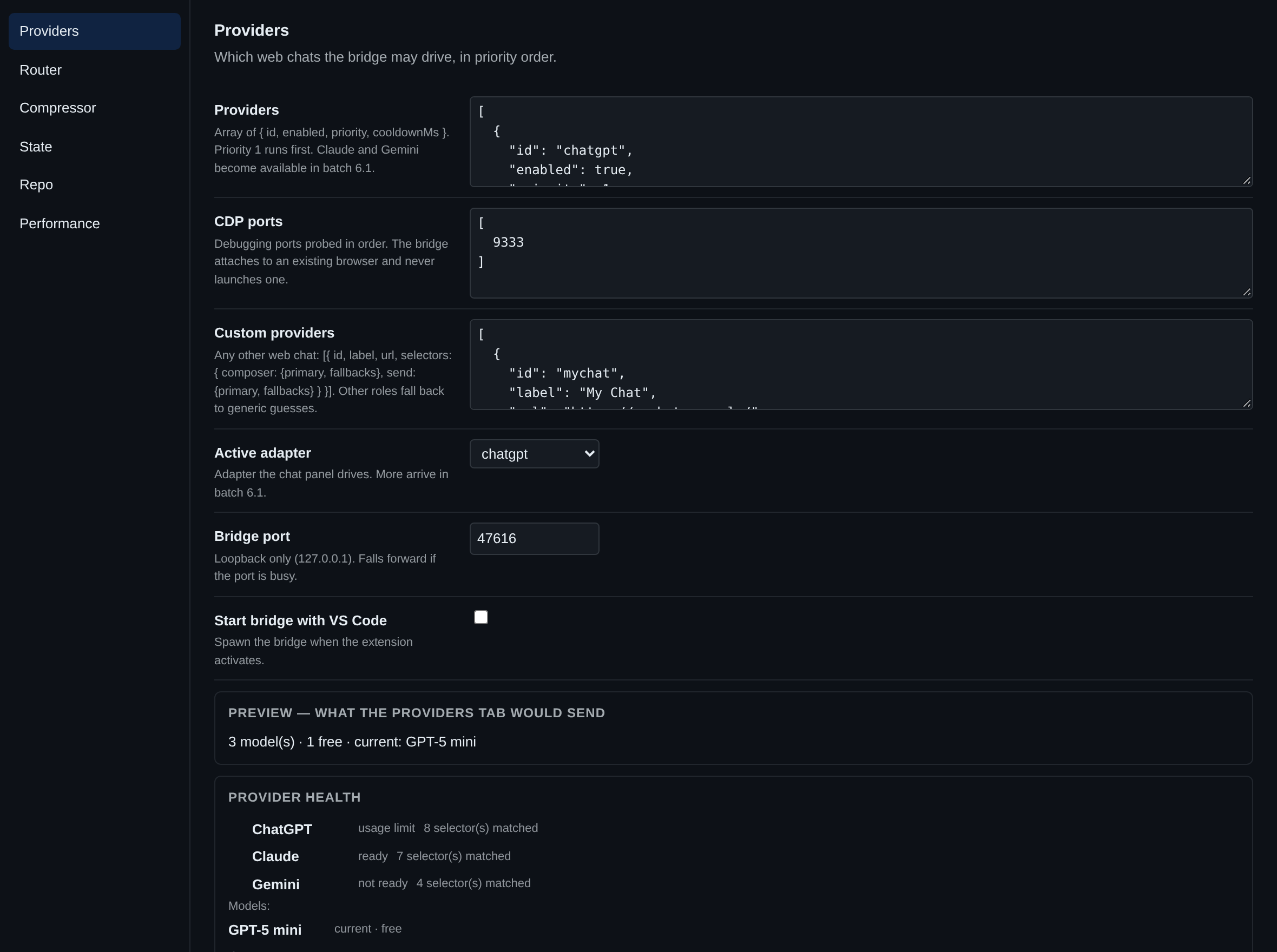
Providers, router, compressor, state, repo, performance — every field, inline validation, and a live preview on each.
Gzipped, encrypted, snapshotted. A ≤4k boot prompt restores what you were doing in a fresh chat.
Three parts, all on your machine. The bridge never leaves loopback.
Panel, diffs, state, settings and commands — everything that touches your workspace. Ctrl+Alt+A opens the chat.
A Node process on 127.0.0.1 with a token in ~/.ai-bridge/lock.json. Holds the adapters, the router and the watchdog.
Attached over CDP on port 9222. Never launched by the extension — only the window you opened.
Compression is noise on a terse prompt and a real 20–40% on verbose text. Measured with the project's own counter; identifiers, numbers, negations and code fences are checked to survive.
| Input | Tokens | Saved | |
|---|---|---|---|
| Polite one-liner | 34 → 21 | 38% | |
| Terse one-liner | 8 → 8 | 0% | |
| Verbose spec paragraph | 113 → 80 | 29% | |
| Pasted stack trace | 83 → 71 | 14% | |
| Code request | 68 → 59 | 13% | |
| Boot prompt | 975 → 974 | 0% | |
| Repo bundle | 588 → 370 | 37% |
This is experimental software. The right-hand list matters more than the left.
Two commands, then attach the browser you're already signed in to.
# install the extension
$ code --install-extension ai-bridge-0.20.4.vsix

# open your browser with the debug port on (close it first)
$ chrome --remote-debugging-port=9222

# then, in VS Code
Ctrl+Shift+P  →  AI Bridge: Attach Browser
Ctrl+Shift+P  →  AI Bridge: Adapter Health   # green dot = working
If a dot is red, the site changed its page. Press AI Bridge: Export Breakage Report — it carries the host, the selectors tried and the tag/attribute names, and never a word of your conversation.