AES-256-GCM encryption
Files are encrypted with AES-256-GCM — authenticated encryption, so a tampered file fails to open rather than silently decrypting to garbage.
Authenticated · tamper-evident
PIN-protect and one-time-view any HTML file with AES-256-GCM. A cross-platform CLI plus a browser-based GUI that runs on any OS — the plaintext never leaves your device.
Free & fully offline — nothing to install. The Android .apk is sideload-only (allow installs from unknown sources).


 AES-256-GCM
PIN-protected
One-time view
Cross-platform
MIT
Offline
CLI + GUI
AES-256-GCM
PIN-protected
One-time view
Cross-platform
MIT
Offline
CLI + GUI
LockHTML turns an ordinary file into a single self-contained page that asks for a PIN before it reveals anything. Strong cryptography, zero infrastructure.
Files are encrypted with AES-256-GCM — authenticated encryption, so a tampered file fails to open rather than silently decrypting to garbage.
The key is derived from your PIN with memory-hard Argon2id (or PBKDF2-SHA256), and the PIN can never be recovered — only the right one opens the file.
Set a one-time view, a view limit, a “do not open before” time, or an expiry date. After the conditions are met, the document stops opening.
The same engine, two front doors: a cross-platform command line for scripting and a self-contained HTML GUI you just open. Both speak the same file format.
Windows, Linux, macOS, Android and iOS. The GUI is a single HTML file that installs as a PWA and keeps working with no network at all.
Hidden volume, duress PIN, X25519 recipient mode, Shamir key splitting, keyfiles, Ed25519 signing, watermarking and age interoperability.
The locked file is a normal web page. Opening it runs a tiny viewer that decrypts in the browser — the plaintext never leaves the device.
Your file is encrypted with AES-256-GCM.
The key comes from your PIN via Argon2id (or PBKDF2) and a random salt.
Salt, IV and ciphertext are embedded as JSON inside a small viewer page.
Email, message or copy the single locked .html file anywhere.
The viewer asks for the PIN and decrypts in the browser, on the recipient's device.
The full browser GUI is deployed right here — drag in a file, set a PIN, and download a locked copy without installing anything.
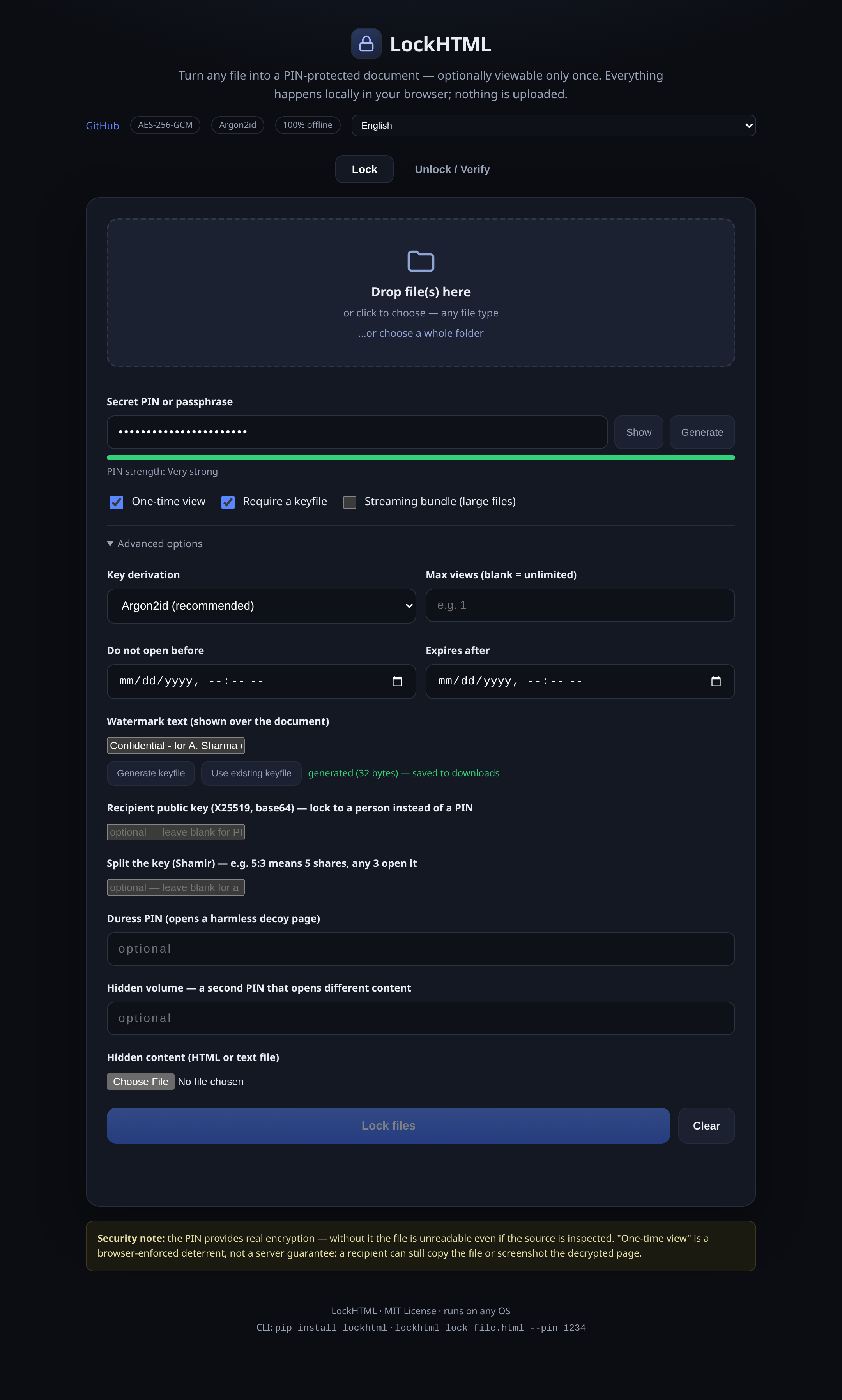
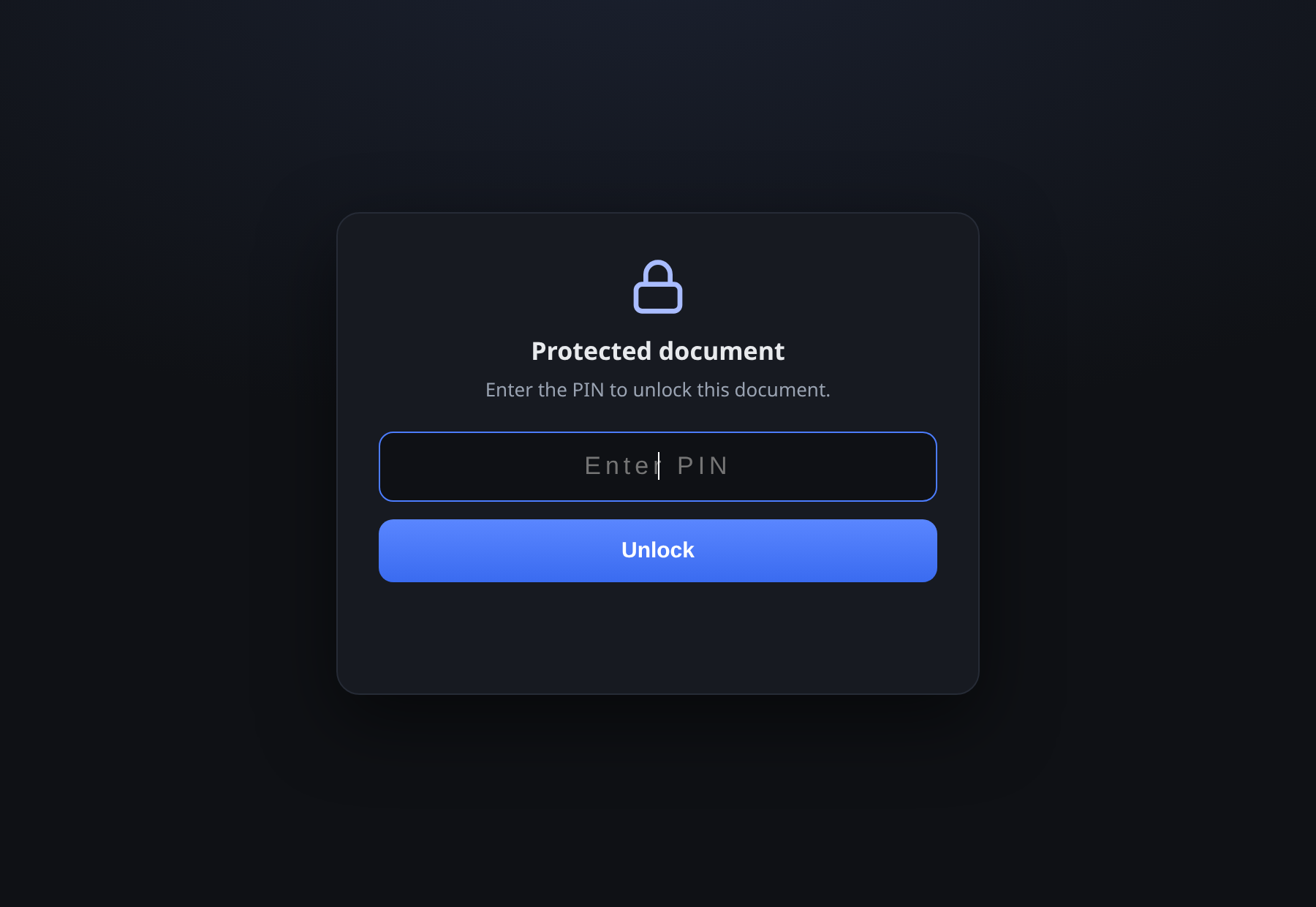
The live GUI runs entirely in your browser. Nothing is uploaded.
No install for the GUI; one command for the CLI. Both produce the same interoperable locked file.
Open the live app, drag in your file, set a PIN and download the locked copy. It keeps working offline once loaded.
One command on Windows, Linux and macOS. Lock a single file or a whole folder, script it, and unlock reversibly with the PIN.
# install
pip install lockhtml

# lock a file with a PIN
lockhtml lock report.html --pin 4821

# one-time view, Argon2id, watermark
lockhtml lock report.html --pin 4821 \
  --one-time --watermark "For A. Sharma"

# recover the original
lockhtml unlock report.locked.html --pin 4821
Everything you might want to know before you trust it with a file.