SMARTNOTE/SCHEDULER · 01 SOURCE ↗

Notes that
schedule
themselves

Write it · It files it · You get reminded

Write the sentence you would say out loud — “remind me to send the grant report tomorrow at 3pm”. SmartNote Scheduler reads it, files it, sets the priority, pulls out the date and reminds you. No folders, no date pickers, no category dropdowns.

There is no hosted demo, and this page will not pretend otherwise: the app is a React client behind a Node/tRPC server on a MySQL-compatible database. It runs on your machine, with your database, in a few commands.
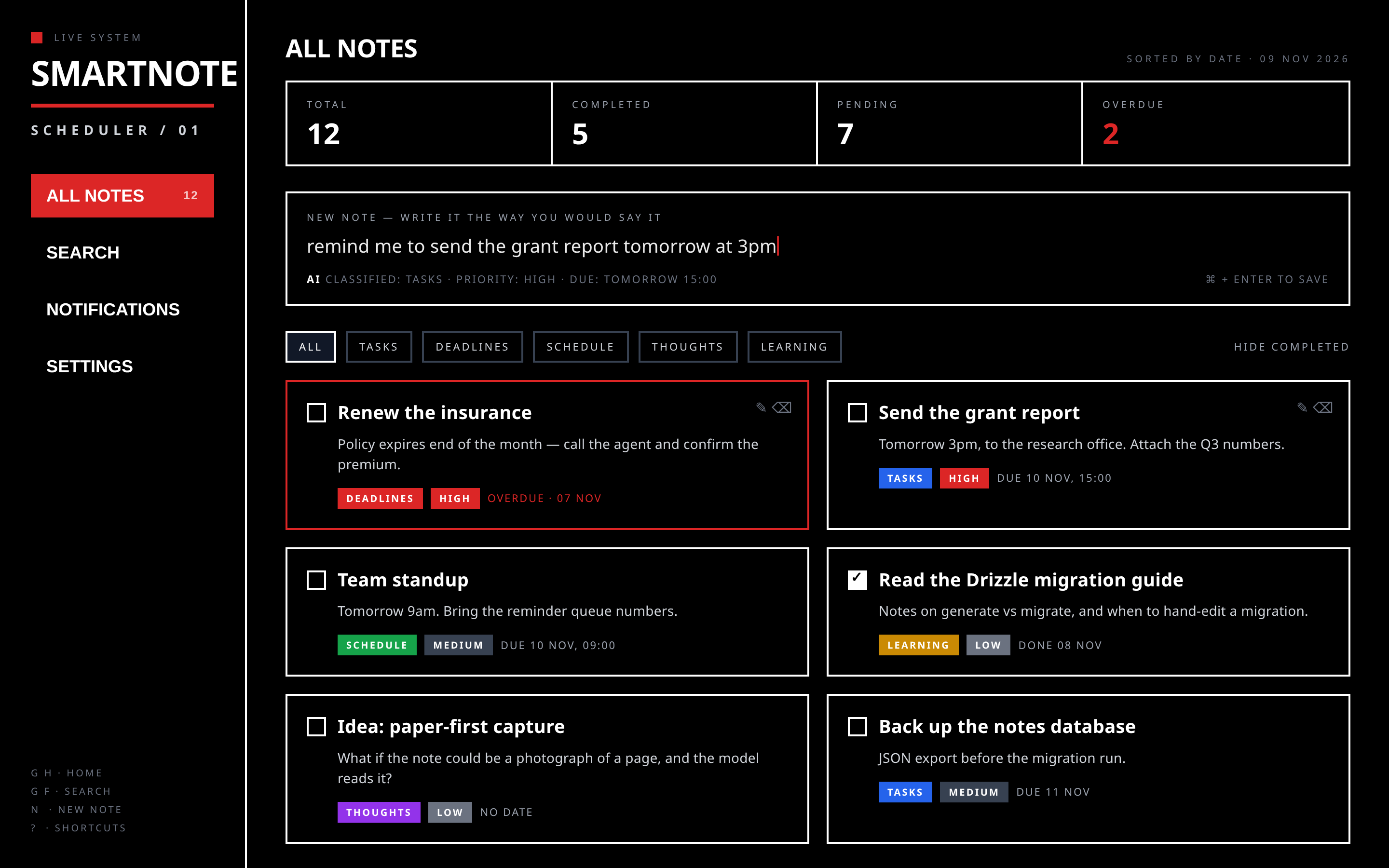
The SmartNote Scheduler dashboard: a black screen with a white-ruled sidebar reading SMARTNOTE / SCHEDULER / 01, four stat boxes (total, completed, pending, overdue), a note composer, category filters and note cards carrying category and priority tags.

The dashboard — rendered from the app's own components and design tokens
Three steps, then it is off your mind

The whole point is that capture stays cheaper than forgetting.

01

Write it plainly

One text box. “renew the insurance by Friday”, “standup tomorrow at 9am”.

02

It reads and files it

In one pass: category, priority, a title, and the date and time it found in your words.

03

You get reminded

Reminders are stored with the note and delivered by push, or email when a webhook is configured.

What is in the code today

Every item below is implemented in this repository — nothing here is a roadmap dressed up as a feature.

Five categories, no filing

Tasks, Deadlines, Schedule, Thoughts and Learning — assigned by the model, not by you.

Priority and dates

Low, Medium or High, plus the date and time extracted from plain language.

Reminders that survive a restart

Due reminders are processed by a heartbeat endpoint, not an in-process timer.

Delivery you can audit

Every push and email attempt is recorded as sent, failed or skipped. A failure is visible, not silent.

Search, filters, stats

Full-text search, category tabs, hide-completed, and totals for pending and overdue.

Your notes stay portable

JSON backup and restore, plus CSV and Markdown export.

On a phone, and on the way in

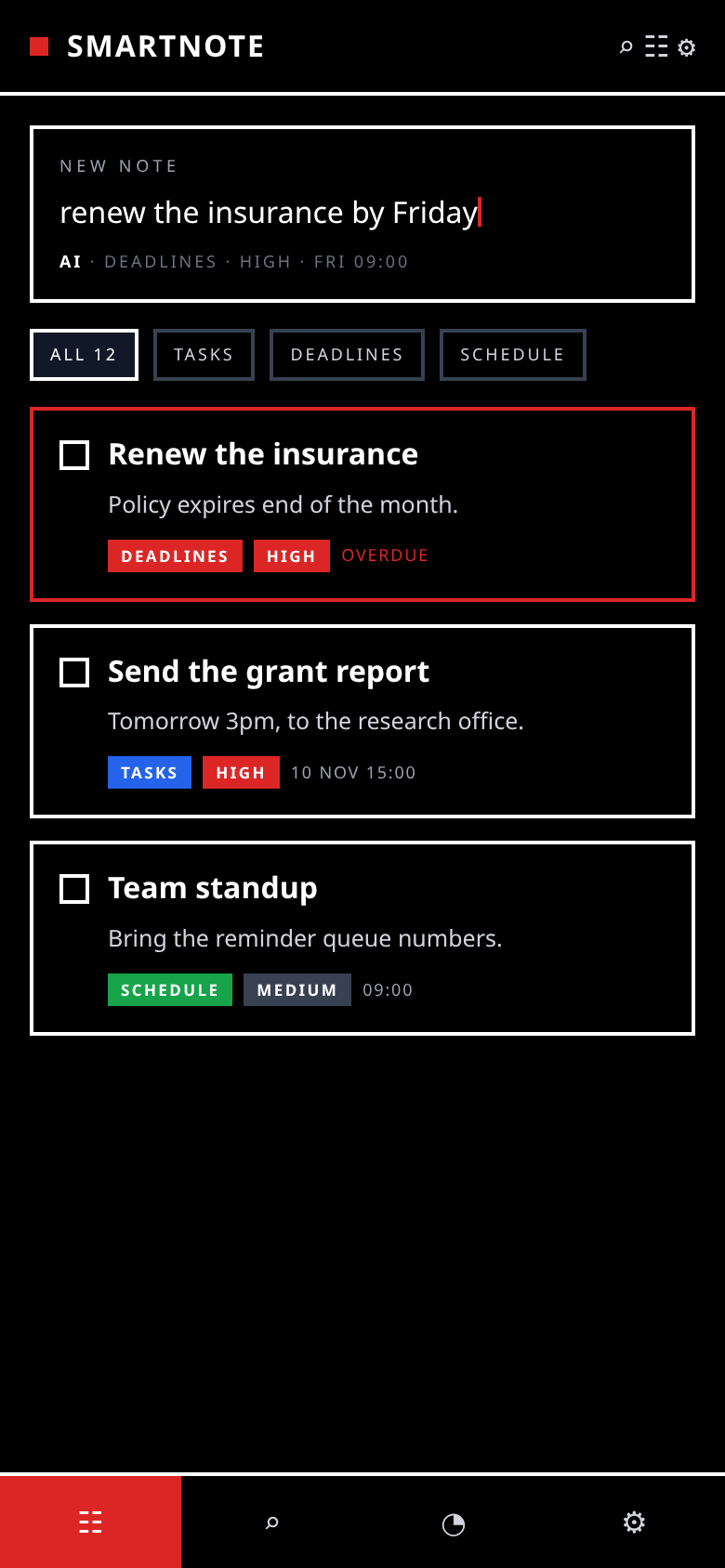
The same black-and-red system at every size: the sidebar collapses to a rail, the composer stays first, and the note cards keep their category and priority tags.

The same dashboard on a phone: SMARTNOTE header bar, a composer reading 'renew the insurance by Friday' with an AI classification line, category chips and note cards.

Phone layout — 390 × 844

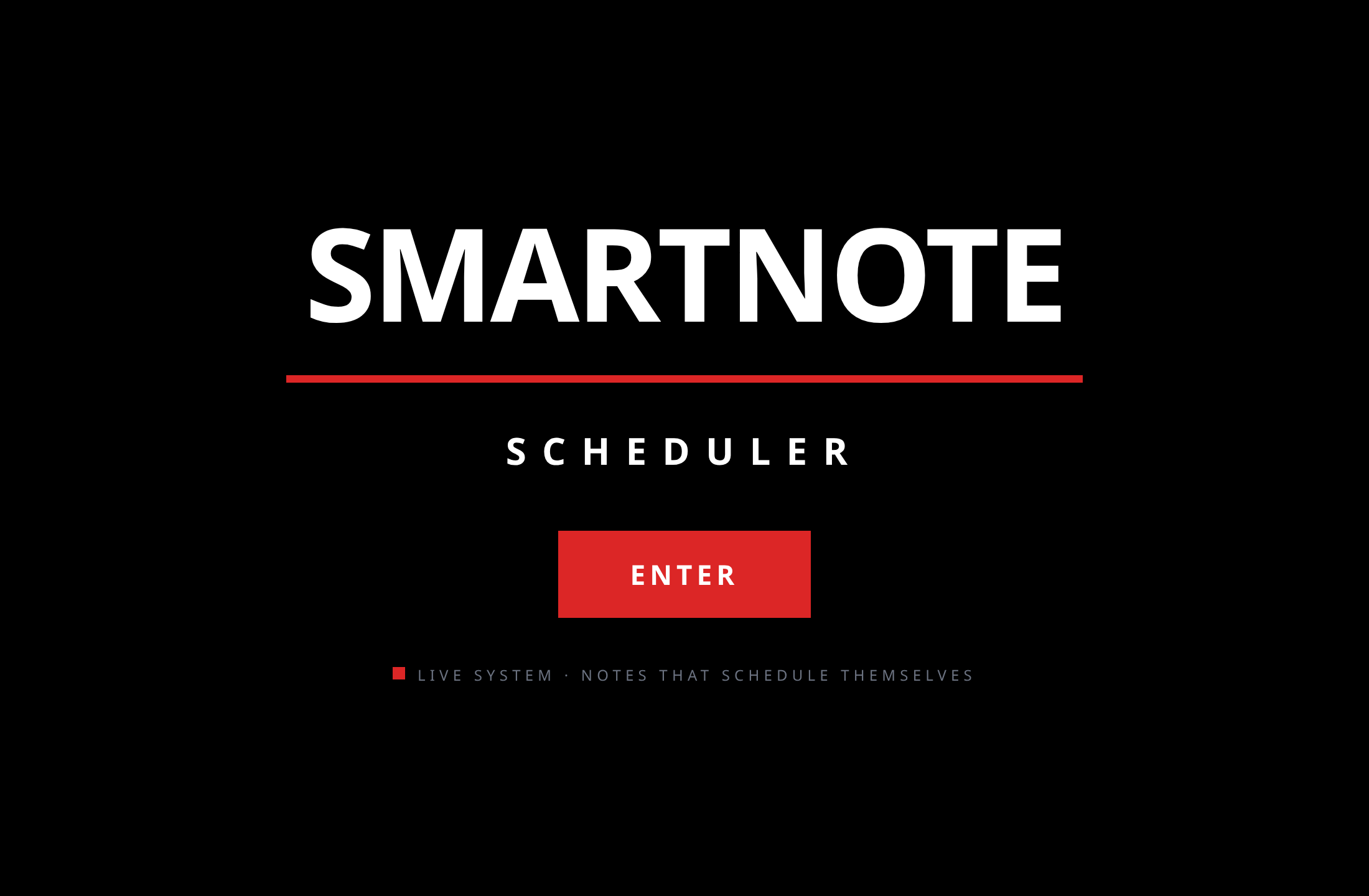
The entry screen: the word SMARTNOTE in large condensed capitals over a red rule, SCHEDULER beneath it, and a red ENTER button.

The entry screen

These three images are renders of the app's real layout, produced from its own components and design tokens (client/src/index.css, BrutalistDashboard.tsx, NoteCard.tsx). They are not live captures, because there is no hosted instance to capture — the honest alternative is to say so rather than pass a mock off as a screenshot.

Status — said plainly

This is a work in progress. The row below is the honest state of it, not a launch announcement.

Repositorypublic
Releasenone yet
Hosted instancenone
Testsvitest

Run it locally

Node 20+, pnpm, and a MySQL-compatible database. Configuration lives in environment variables — the app reads them at start-up and never carries a key in the repository.

git clone https://github.com/drsamonline/smartnote-scheduler.git
cd smartnote-scheduler
pnpm install

# .env: DATABASE_URL, JWT_SECRET, and the model/webhook keys you use
pnpm db:push      # generate + apply the Drizzle migrations
pnpm dev          # server + Vite HMR

pnpm test         # vitest
pnpm check        # tsc --noEmit
pnpm build && pnpm start   # production

Email delivery is optional: leave the webhook unset and deliveries are recorded as skipped rather than failing.

Questions worth answering

Why is there no live demo?

Because it would be a lie about the software. The client is built by Vite, but every note, reminder and login lives behind a tRPC server and a MySQL database. A static page cannot be that app, so this page describes it and you run the real thing locally.

What does the model actually do?

One pass over the note: category, priority, a title, and any date or time it can find. It does not invent deadlines you did not write.

Do I need an API key?

Yes, for the note analysis. Everything else — storage, reminders, exports — is local to your own server and database.

Is it finished?

No. The repository is public so the work is visible while it is still being built. Expect rough edges.

Support the work

One person's work: no company, no ads, no tracking, no paid tier. If this saved you an afternoon, a contribution keeps the next one coming — any amount, or none.

UPI drsohilboi@ybl  ·  Ko-fi  ·  PayPal  ·  Books  ·  All projects  ·  Email