corefit·md

drsamonline · health tools

CoreFit MD Five minutes, and the clip starts where the movement starts.

A morning core routine of five moves, guided by video. Every exercise clip opens at its 0:30 mark — the demonstration — and loops only inside that window, so a set never begins on an intro, a talking head or a sponsor read. No account, no server, no tracking.


live: online offline: UI + history deps: 0 runtime backend: none langs: EN HI GU licence: MIT
43 files 0 dependencies 3 languages 6:15 warm-up to cool-down MIT licence
Live demo

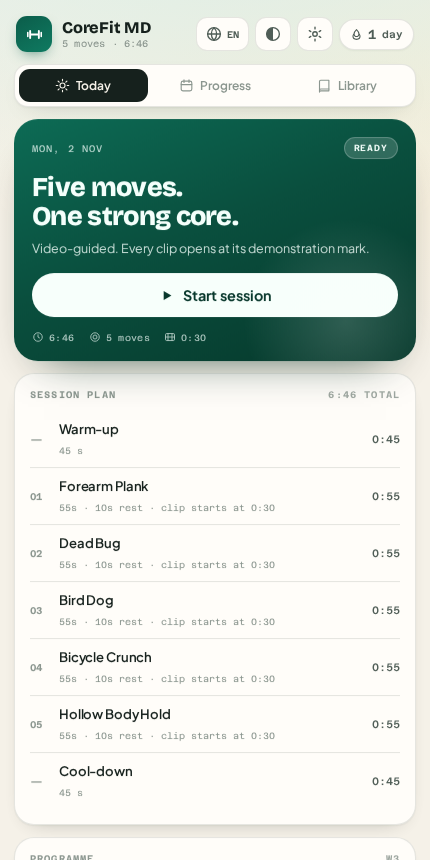
This is the app itself, not a picture of it.

Four buttons below drive the real thing — the same build that ships in docs/play/.

Sessions and clips are stored in this browser only. Starting a workout inside this frame is fine, but open the app properly for sound and full-screen.

CoreFit MD today view: a session plan of five exercises with a start button

430 × 860 · the real build

01

What it does

Playback

Every set opens on the movement

Each exercise carries a clip window. The player starts at 0:30, re-seeks on ready, and a watchdog pulls it back if playback ever passes the window end — so fifty seconds of plank keeps showing the plank. If the clip is blocked, dead or you are offline, a still of the same move takes its place — so the workout becomes a slideshow rather than a black box.

Programme

Six weeks that get harder

Work intervals climb from 45 to 60 seconds with a deload in week four, driven by how many sessions you have actually logged. Warm-up and cool-down bracket every session.

Privacy

Nothing leaves the device

History, streaks, clip windows and settings live in this browser. Export a JSON backup, print a one-page summary, or wipe it by clearing site data.

02

With the network off

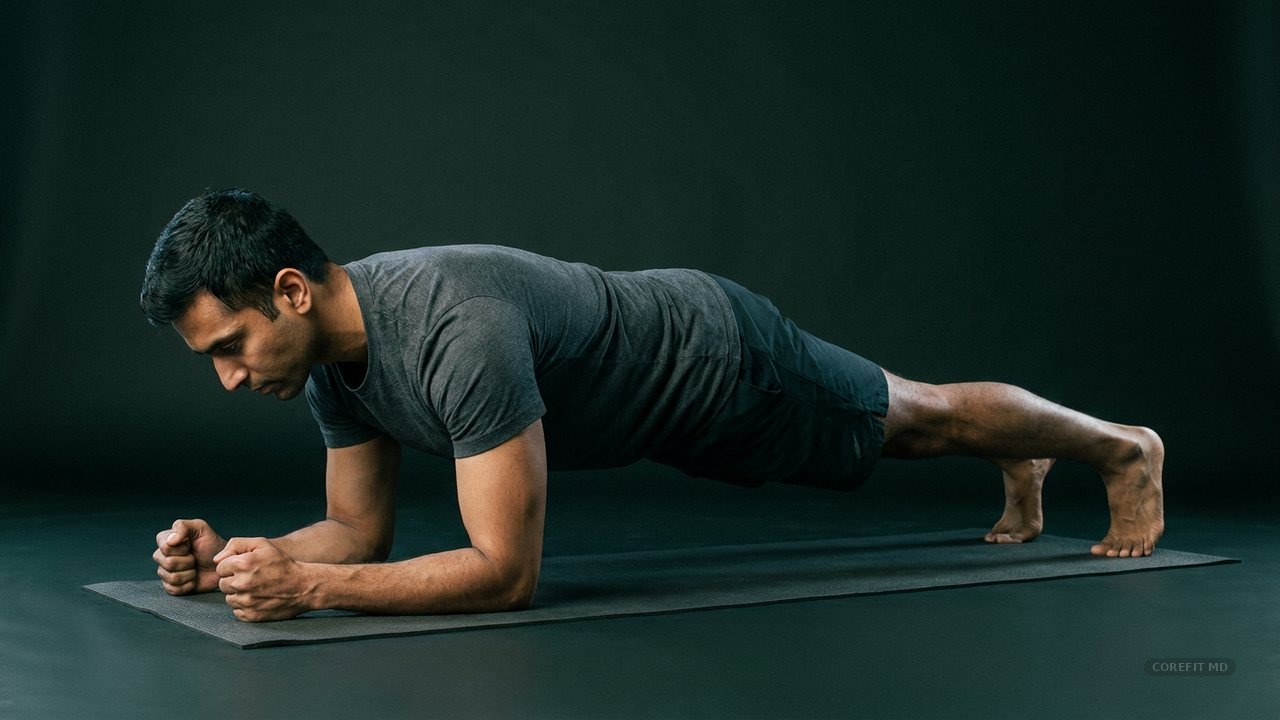
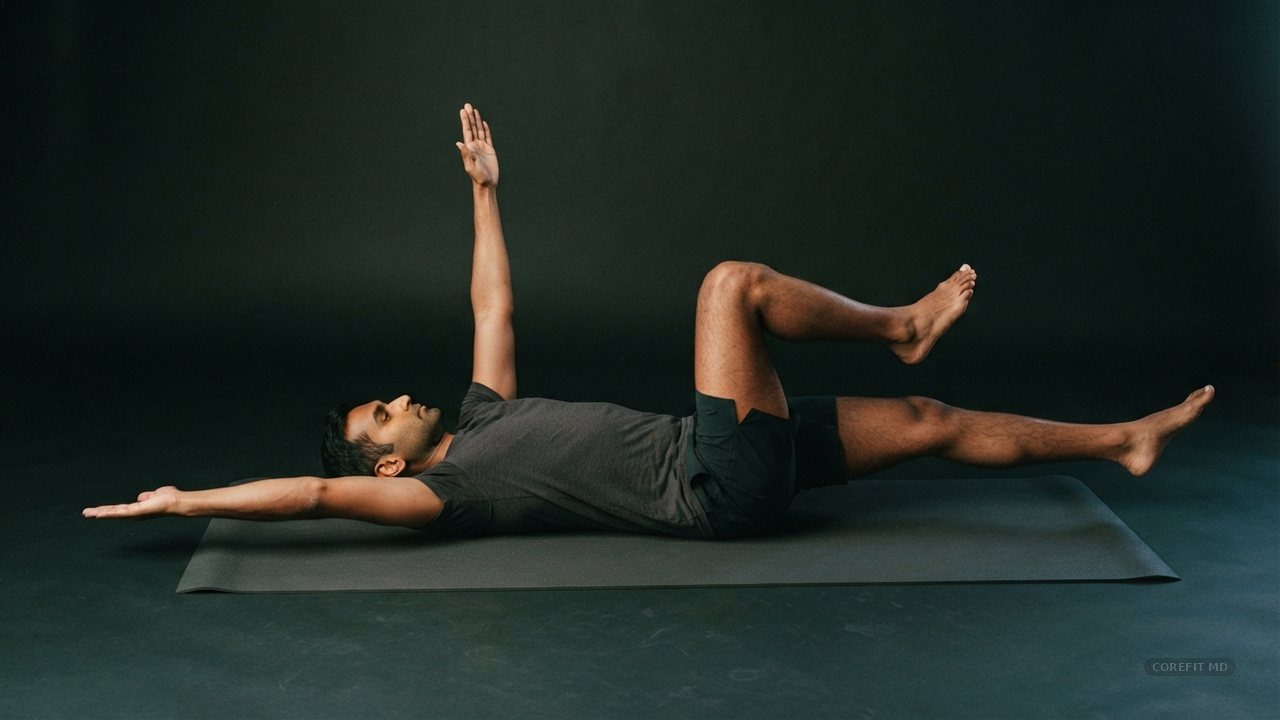
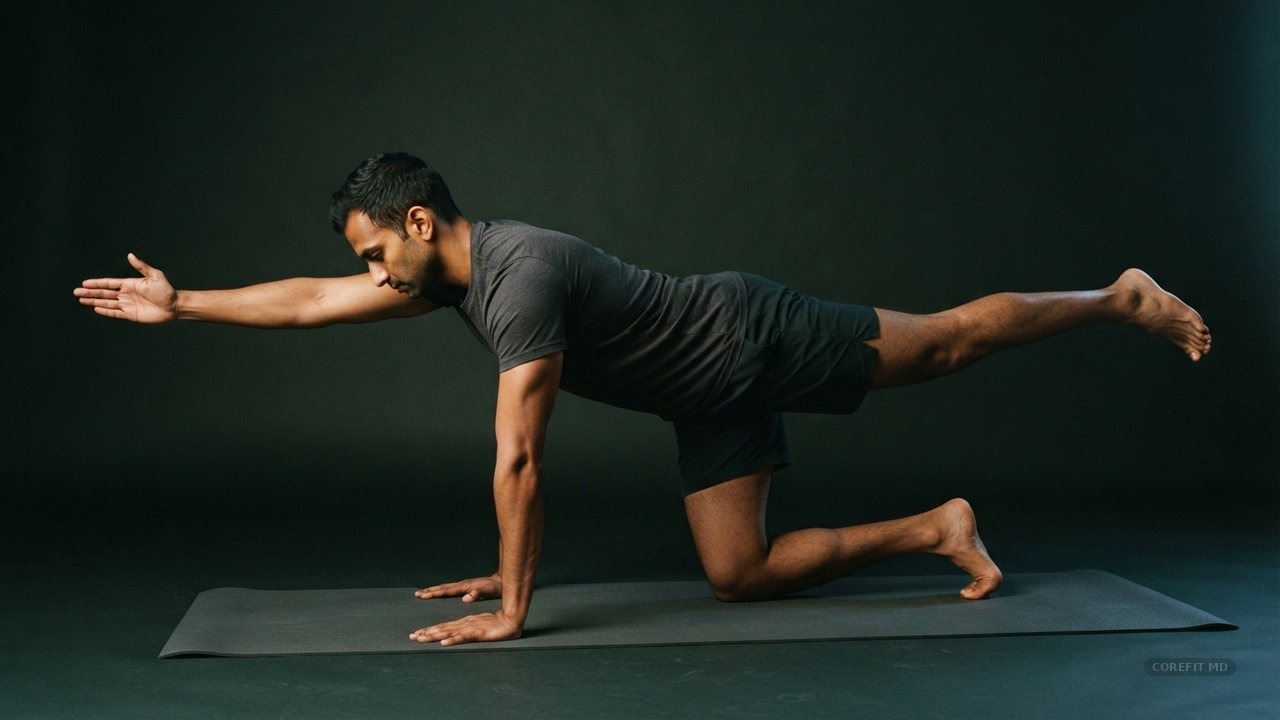
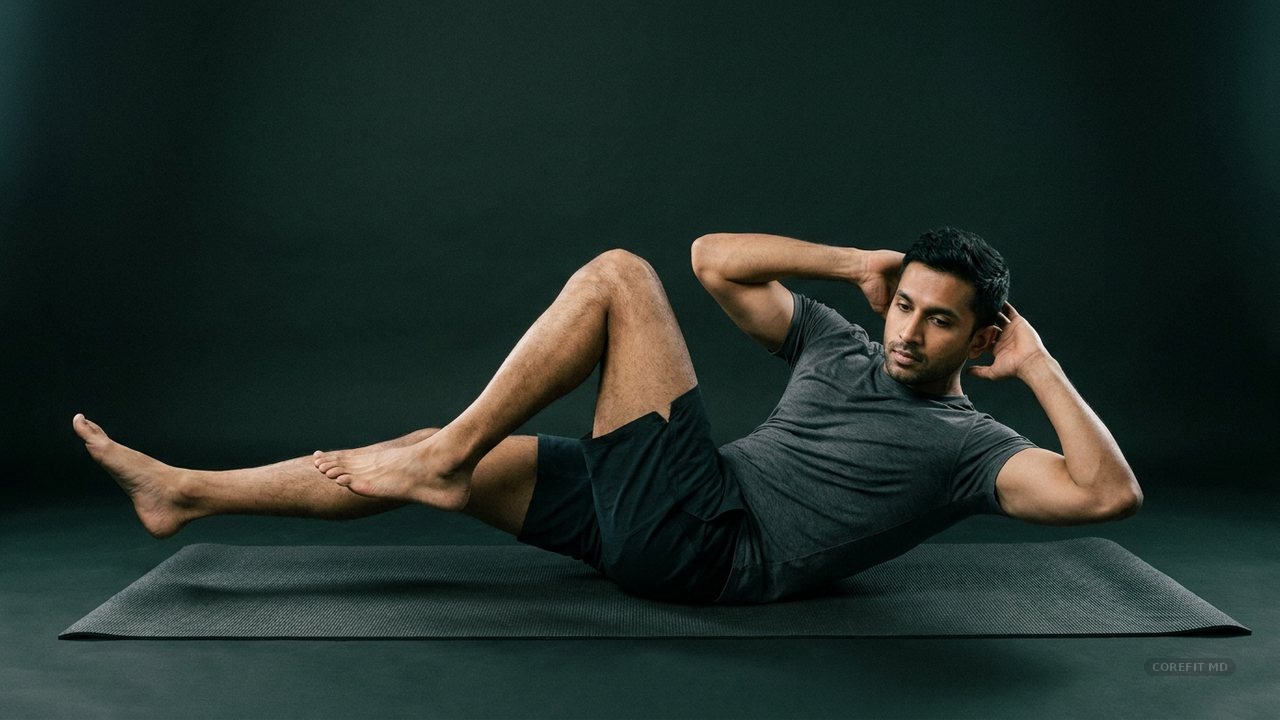
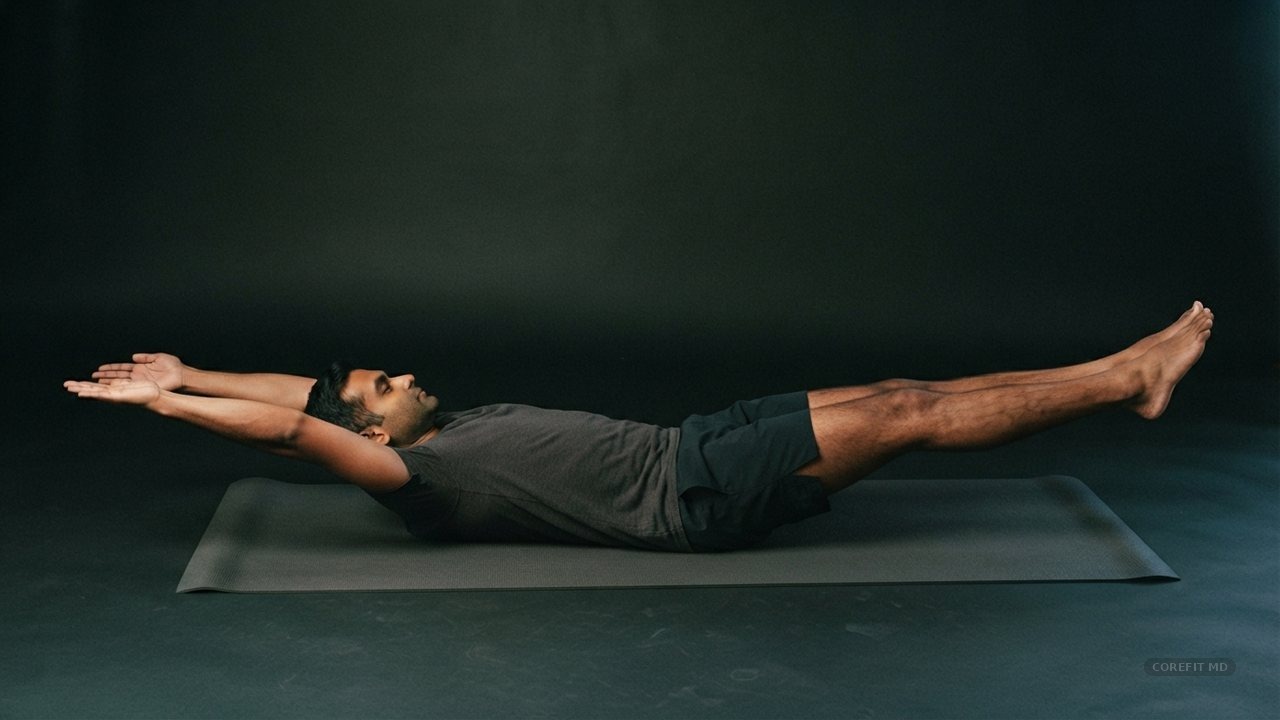
Every move also has a still of its own — 1280×720, watermarked, a hundred kilobytes. No connection, no licensing problem, no black box.

Forearm plank demonstration still
Plankanti-extension
Dead bug demonstration still
Dead buganti-extension
Bird dog demonstration still
Bird doganti-rotation
Bicycle crunch demonstration still
Bicyclerotation
Hollow body hold demonstration still
Hollow holdanti-extension

These are generated for this app, not frames from the videos — the clips are other people's work and are only ever embedded, with the channel credited under the player and listed in the app's Sources and credits.

03

What it refuses to do

04

The rule

Why the first frame is the one that matters.

0:00 — 1:20 of source videoplayback window
0:000:30 0:551:20 START LOOP INTRO · SKIPPED

Most workout apps embed a video and press play. The clip begins with a channel ident, then a presenter explaining the move, then the movement — by which point you have lost fifteen seconds of a fifty-second set.

Here the clip window is data: start 0:30, end 0:55, editable per exercise. The player is created with that start, seeked again the moment it is ready, and re-seeked whenever playback passes the end. During each rest interval the next clip is preloaded, so the following set opens instantly.

If an embed is blocked, dead, or you are offline, the session still runs — a still of the movement takes the video's place, the channel is still credited, and the timer never notices.

05

The numbers

5moves
6:15week 1, full session
0:30clip in-point
3languages
0runtime deps
1.4MB, whole app
06

Run it

# any static server works
git clone https://github.com/drsamonline/corefit-md
cd corefit-md
python3 -m http.server 8080
# then open localhost:8080/docs/

# the app alone, from disk:
open docs/play/index.html

# regenerate the assets in this repo
python3 scripts/badges.py
python3 scripts/figures.py
bash scripts/shot.sh . app
docs/index.html       this page
docs/play/            the app
  index.html            markup only
  assets/css/app.css    the design system
  assets/js/            config · data · store
                        i18n · video · session
                        ui · main
  assets/i18n/          en · hi · gu
  assets/media/         10 stills, watermarked
  assets/demo/          10 SVG figures (fallback)
  sw.js                 offline shell
scripts/              badges and screenshots
BACKLOG.md            what is next, and what is refused