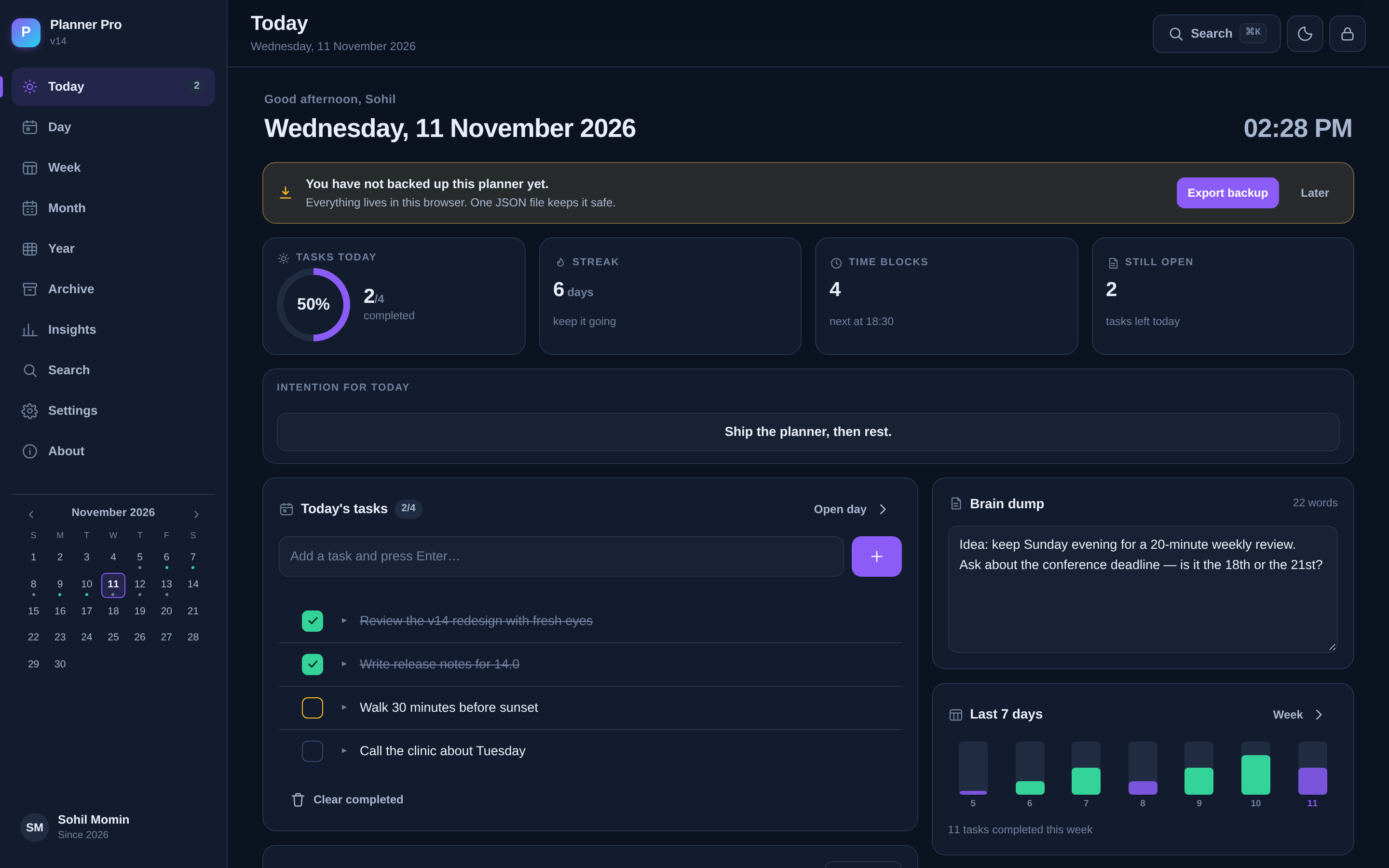
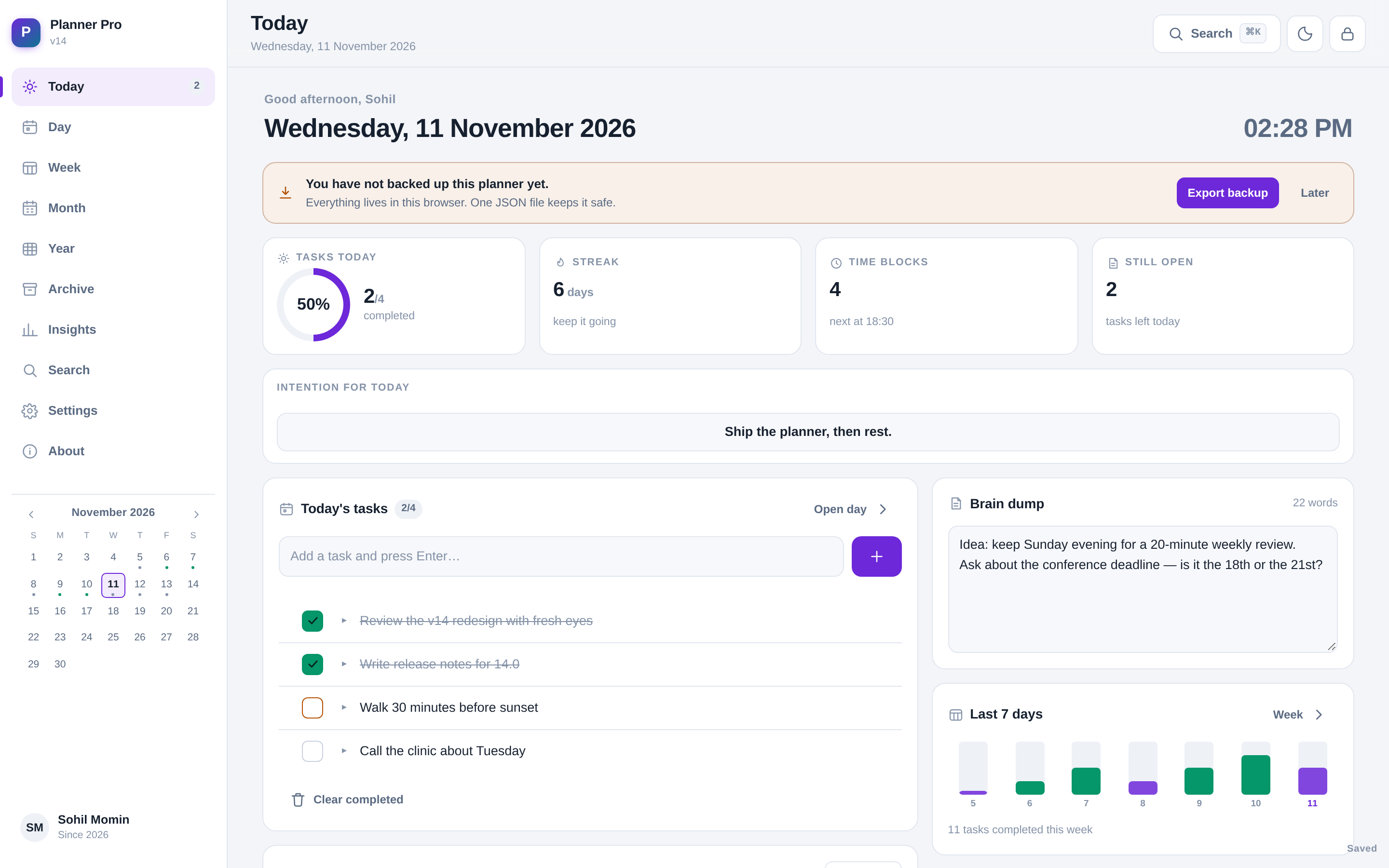
Today, at a glance
Completion ring, streak, next time block and open-task count — plus the one line
that says what would make today count.
Time blocks that know the time
The block you are inside right now is highlighted, so the day view reads like a
schedule instead of a list.
Real weeks
A weekly plan belongs to that week. Navigate back and it is still there;
next week starts clean instead of repeating last week forever.
Year, month by month
Twelve month cards with goals and real completion progress, plus a year theme and
the goals that outlive a Tuesday.
Command palette
Ctrl/⌘ + K searches every task, note, block and
goal you have ever written, runs commands, and jumps to dates —
try next friday.
Carry-over, not guilt
Unfinished tasks move to today in one tap, and every delete has an undo — with a
30-day trash behind it. Nothing is lost by accident.
Archive instead of delete
Finished years move aside automatically. Restore one, export it, or remove it —
the planner stays light without losing history.
Four themes, done properly
Midnight, Ocean, Light and System — each with its own contrast-correct palette,
not an inverted filter.
No networking code
Not “privacy friendly” — absent. There is no fetch, no XHR, no socket in the source. The only
way anything leaves the device is a file you choose to export.
Your notes, as plain files
Export the whole planner as a vault of Markdown notes — one per day, one per week —
ready to open in Obsidian or any text editor. No lock-in, no conversion.
A week that closes properly
A review on the day you choose: what got done, what didn't, what changes — and one
thing that becomes next week's focus. Days close the same way.
Backups you can trust
One click exports AES-256 encrypted, passphrase-locked JSON — safe to drop in Drive or
Dropbox. Your key never leaves the browser.
See the year, not just today
A heatmap of every day, your best streak, the weekday you actually finish things —
and the tags you use most. Click a square to open that day.
Routines, not repeats
Daily, weekdays or the days you choose. Save a whole day as a template — blocks and
tasks — and apply it to any date in two taps.
Honest about time
Put minutes on a task and the day shows planned time against your capacity, turning
amber when you have booked more hours than exist.
Type like a person
Quick add understands “call the clinic tomorrow 4pm #health” — date, time and
tag, filled in before you finish the sentence.
Profiles with a PIN
Separate planners on one device, each behind a 4-digit PIN that is asked for on
launch. No email, no recovery, nothing to leak.